Online Keyboard Tester – Test Your Keys | iiniit
 By iiniit TeamPublished October 29, 2026·2 min read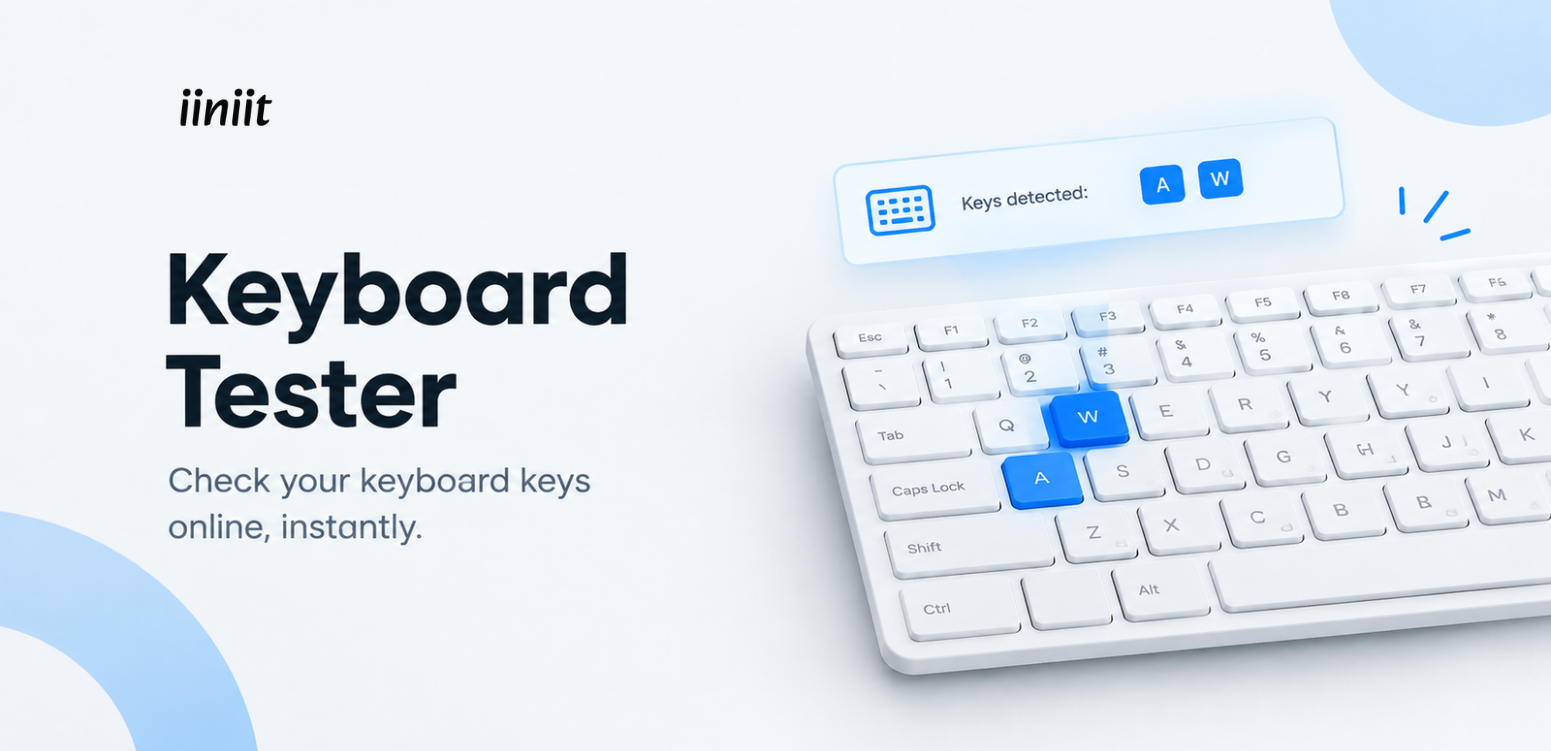
Online Keyboard Tester: Check If Your Keyboard Keys Work Properly
A keyboard is one of the most important parts of your computer. Whether you use it for work, gaming, studying, or everyday browsing, even one unresponsive key can interrupt your experience. But how can you find out if your keyboard is working correctly?
An online keyboard tester helps you check whether your keyboard keys register when pressed. You can run a quick test directly in your browser without needing to install additional software.
What Is an Online Keyboard Tester?
An online keyboard tester is a browser-based tool that lets you press keys and see which ones are detected on your screen. It can help you identify keys that may not be responding as expected.
Whether you use a laptop keyboard, an external USB keyboard, or a wireless keyboard, testing the keys is a simple first step when troubleshooting typing problems.
How to Use a Keyboard Tester Online
Testing your keyboard is straightforward:
Open an online keyboard testing tool.
Press the keys on your physical keyboard one at a time.
Check whether each pressed key is highlighted or registered on the screen.
Repeat the process for any keys that seem unresponsive.
For a more complete check, test letters, numbers, function keys, arrow keys, and other commonly used buttons.
Benefits of Using an Online Keyboard Tester
Identify Unresponsive Keys
If a key does not seem to work while typing, a keyboard tester can help you check whether it registers during a test.
Test a New Keyboard
Just purchased a keyboard? Test its keys before using it regularly to check that they respond as expected.
Check Your Keyboard Before Gaming
Gaming often depends on quick and accurate key inputs. Testing frequently used keys can help you spot possible issues before you start playing.
Troubleshoot Typing Problems
If you experience unexpected typing behavior, testing individual keys can help you narrow down the problem. Keep in mind that an online test cannot diagnose every hardware or software issue.
Why Choose an Online Keyboard Testing Tool?
An online keyboard tester offers a convenient way to check key responses without downloading a separate application. It is useful for students, professionals, gamers, and anyone who wants to check their keyboard quickly.
For more practical digital tools, explore iiniit's products.
If your keyboard still does not respond correctly, try reconnecting it, checking your keyboard settings, or consulting your device manufacturer's support resources. You can also visit Microsoft's keyboard troubleshooting guide for additional help with Windows devices.
Test Your Keyboard with iiniit
You don't need to wait until a keyboard problem disrupts your work. A quick test can help you identify keys that may need further attention.
Use an online keyboard tester to check your keys, troubleshoot basic typing issues, and get back to what matters.
Explore iiniit for useful digital tools that make everyday tasks simpler.