Online Notepad: Write and Save Notes Online | iiniit
 By iiniit TeamPublished October 16, 2026·3 min read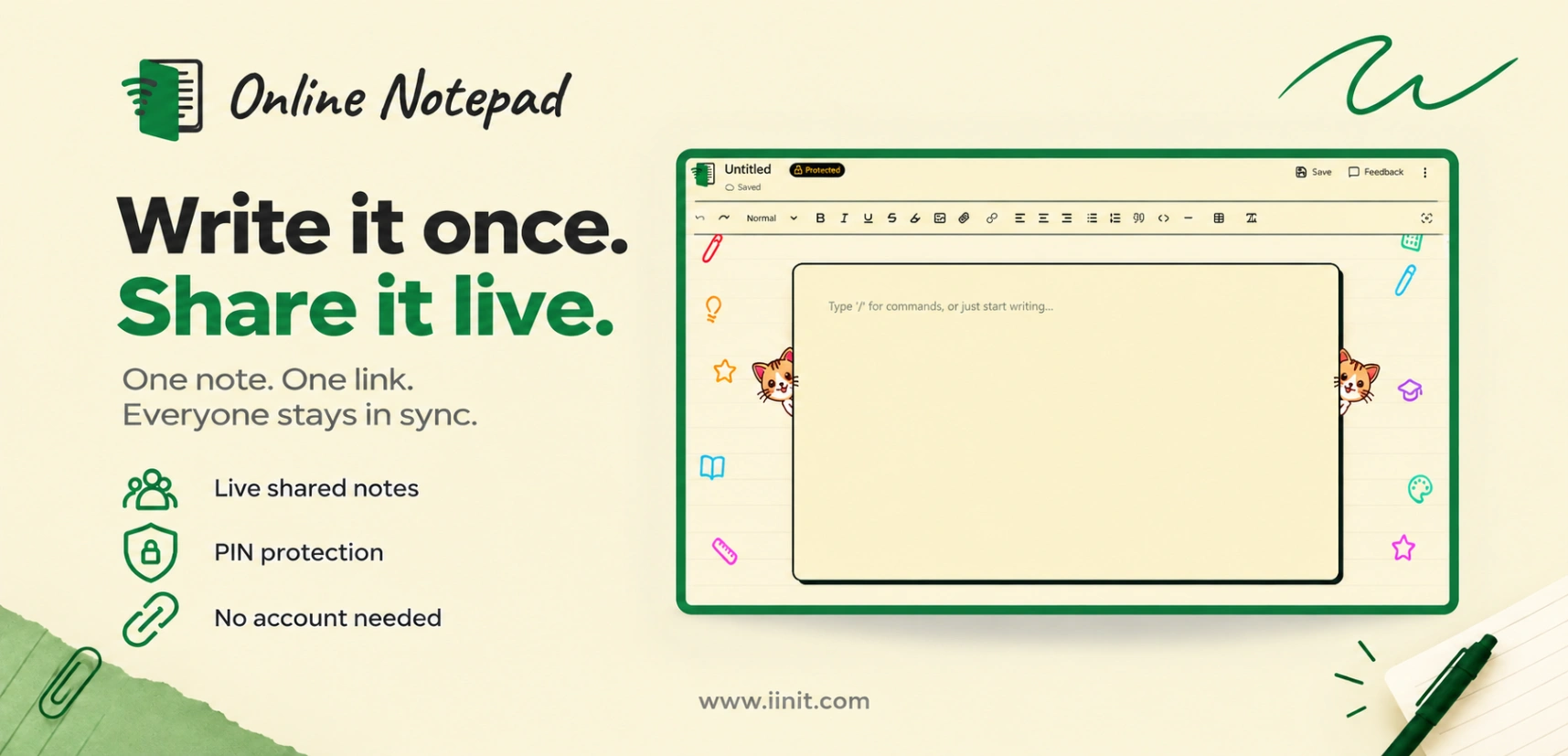
Online Notepad: Write, Save and Access Notes Online
Need a simple way to write and access notes online without creating an account? An online notepad lets you capture ideas, save important information, and return to your notes whenever you need them.
iiniit Online Notepad offers a straightforward way to create notes online, protect them with a PIN, and access them using your note ID and PIN — without a complicated setup.
What Is an Online Notepad?
An online notepad is a browser-based tool for writing and storing text without installing desktop software. It can be useful for quick reminders, study notes, work-related information, drafts, and everyday writing.
Unlike a traditional paper notebook, an online notepad can be accessed through a web browser. Depending on the service, it may also offer features such as cloud access, note protection, and automatic saving.
If you want to learn more about the tool, visit the About iiniit Online Notepad page.
Why Use an Online Notepad?
1. Write Notes Without Installing Software
Sometimes you only need a place to write down an idea or save a piece of information. An online notepad lets you start directly in your browser, without installing another application.
It is a practical option for students, professionals, and anyone who needs a simple digital writing space.
2. Access Your Notes Online
Keeping notes online can make them easier to access when you need them. With iiniit Online Notepad, you can return to your saved note using its note ID and PIN.
For details about how the service works, see the Online Notepad guide.
3. Protect Your Notes With a PIN
Some notes contain personal reminders or work-related information that you do not want others to open casually. iiniit Online Notepad uses PIN protection to help restrict access to your notes.
Before storing sensitive information in any online service, it is worth reviewing its Privacy Policy and understanding how your information is handled.
4. Use It for Study and Work
An online notepad can help you keep track of:
Study notes and revision points
Meeting notes and action items
Daily reminders and task lists
Drafts, ideas, and quick text snippets
Information you need to refer to later
For more practical examples, explore the Online Notepad use cases.
Online Notepad vs. Traditional Note-Taking
Paper notebooks are useful when you prefer handwriting, while digital notes are convenient when you want to write and access text through a device.
An online notepad can be a good choice when you need a lightweight writing tool without adding another application to your workflow. The right option depends on how you take notes, what you store, and which features you need.
For tips on making your website easier for people and search engines to navigate, read Google's official guide to SEO link best practices.
Is iiniit Online Notepad Right for You?
If you need a straightforward way to write and access notes online, iiniit Online Notepad is worth trying. It offers browser-based note-taking, PIN protection, and access without requiring an account.
As with any online note service, avoid storing passwords, financial credentials, or other highly sensitive information unless the service is specifically appropriate for that purpose.
Start Taking Notes Online
You do not need a complicated workflow just to write something down. Choose a simple tool that fits your needs and keeps your notes accessible.
Try iiniit Online Notepad today and create your next note directly in your browser.
Learn more about iiniit and its software products.
About iiniit: iiniit builds software products and digital tools designed to solve practical problems for individuals, developers, and businesses.