Interactive Product Demo: Help Users Evaluate Software
 By iiniit TeamPublished October 11, 2026·5 min read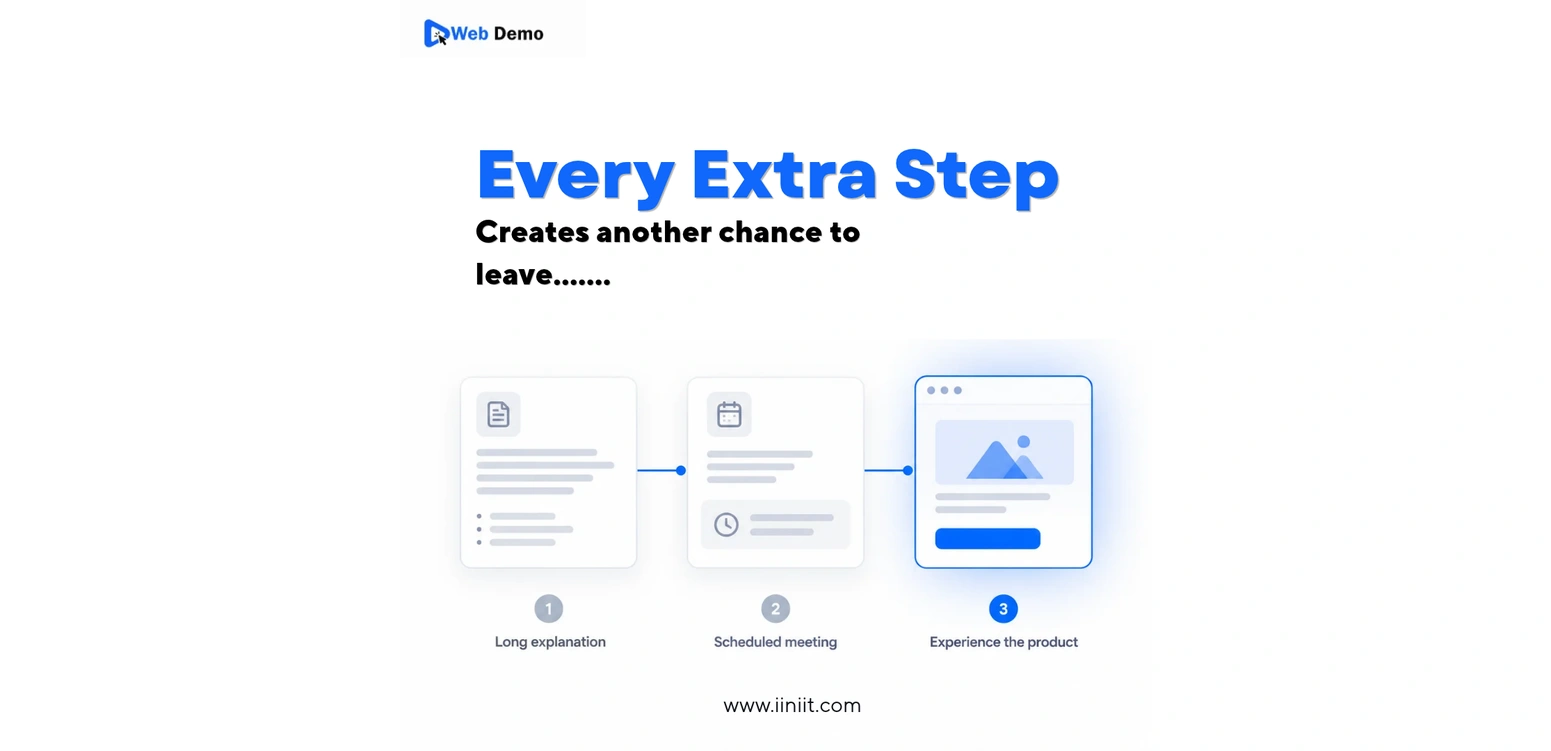
Interactive Product Demo: Help Users Evaluate Software
Imagine a potential customer visiting your website late at night. They understand the problem your software solves, but they still have questions. Will it fit their workflow? Is it easy to use? Can it actually do what they need?
A feature list may not answer those questions. A sales call might help, but the visitor may not be ready to schedule one.
An interactive product demo offers another option: let people explore a product experience at their own pace. Instead of asking visitors to imagine how the software works, give them a clearer way to evaluate the workflow and understand its value.
Why Software Evaluation Should Not Depend on a Meeting
People evaluate software at different stages of their decision-making process. Some are ready to speak with sales. Others are still comparing options or trying to understand whether a product fits their needs.
When a meeting is the only way to see a product in action, early-stage visitors may postpone their decision or leave to investigate alternatives.
A self-guided product experience can make that initial evaluation easier. Gartner's Market Guide for Interactive Demonstration Applications discusses how interactive demonstrations can support self-service evaluation and reduce friction in the buying process.
The goal is not to eliminate human conversations. It is to make useful product information accessible before a conversation becomes necessary.
What Makes a Product Demo Useful?
A useful demo does more than show screens. It helps visitors answer practical questions about the product.
Show a Realistic Workflow
Choose a task that represents a meaningful product outcome. For example, demonstrate how a user creates a report, organizes information, or completes a common business task.
Visitors should be able to understand what the product helps them accomplish—not just which buttons it contains.
Focus on One Clear Outcome
Trying to explain every feature in one demo can make the experience confusing.
Start with a single question the visitor wants answered:
Can this tool solve my problem?
How would I use it in my daily work?
What does the finished result look like?
Build the demo around answering that question. Additional features can be explored through separate walkthroughs or product documentation.
Make the Experience Easy to Follow
Use short instructions, clear visual cues, and a logical sequence. Avoid unnecessary steps that distract from the main workflow.
Visitors should know where to begin, what to do next, and what the final result means.
Interactive Demo vs. Product Video vs. Feature List
Each format serves a different purpose.
Format | Best use | Limitation |
|---|---|---|
Feature list | Quick overview of capabilities | Doesn't demonstrate the workflow |
Product video | Explaining a process through narration | Viewers follow a fixed sequence |
Interactive product demo | Exploring a workflow at one's own pace | Requires thoughtful preparation and maintenance |
These formats can work together. A video can introduce a product, a feature list can summarize its capabilities, and an interactive demo can help visitors understand how a specific workflow works.
Choose the format based on what your audience needs to understand next.
Where Should You Use an Interactive Product Demo?
On a Product Landing Page
Place a relevant demo near the explanation of the problem it solves. Visitors can explore the workflow while the product's value is fresh in their minds.
In Sales Follow-Up Emails
After an initial conversation, share a focused walkthrough that addresses the questions raised. This gives recipients something useful to revisit or share with colleagues.
In Product Education
Use short demos to explain individual features or workflows. They can complement written documentation when a visual example makes a process easier to understand.
During Internal Training
Teams can use guided product experiences to introduce workflows consistently, helping new employees understand a tool without relying entirely on live presentations.
How to Measure Whether Your Demo Works
Publishing a demo is only the first step. Evaluate whether it helps people understand the product.
Useful measurements include:
Demo starts: How many visitors begin exploring?
Completion rate: How many reach the end of the intended workflow?
Drop-off points: Where do visitors stop or become confused?
Next-step actions: Do visitors continue to a relevant page, sign up, or request more information?
User feedback: Can visitors explain what the product does after trying the demo?
Interpret these metrics in context. A short demo designed to answer one question may be successful even if it does not lead directly to a signup.
Common Mistakes to Avoid
Showing too much at once: Keep each demo focused on one meaningful task.
Using unclear instructions: Tell visitors what action to take and why it matters.
Ignoring mobile users: Check that the experience remains usable on smaller screens when your audience may browse on mobile devices.
Leaving outdated content online: Review demos when the product interface or workflow changes.
Measuring clicks without measuring understanding: Engagement is useful, but the purpose is to help visitors evaluate the product accurately.
Make Product Evaluation Easier With WebDemo
Your website should help potential customers understand your product before they have to make a commitment.
A clear, focused demo gives visitors a practical way to explore a workflow, discover relevant capabilities, and decide whether the product deserves a closer look.
WebDemo is the product topic behind this approach: make the product experience easier to understand by showing how it works, rather than relying only on descriptions.
Explore iiniit's products and consider where a clearer product experience could help your users make better-informed decisions.
Frequently Asked Questions
What is an interactive product demo?
An interactive product demo is a guided or explorable product experience that lets users understand how software works by following a workflow rather than relying only on descriptions or a video.
How is an interactive demo different from a video?
A video presents a predefined sequence. An interactive demo gives visitors more control over how they explore the demonstrated workflow.
Should every software product have an interactive demo?
Not necessarily. Demos are most useful when a product's value becomes clearer through a visual workflow or hands-on exploration. Some products are better explained through concise documentation or examples.
What should an interactive demo include?
Start with one user problem, show a relevant workflow, provide clear instructions, and make the intended outcome easy to understand.
How can I tell whether my demo is effective?
Track starts, completion, drop-off points, follow-up actions, and user feedback. Use these signals together to understand whether the demo is helping people evaluate the product.
CTA: Help users understand your product through a clearer, more focused experience.